Imagine this: you're cruising along Alaska's scenic highways, the majestic Denali looming in the distance, when an urgent client email or server alert pops up. Your heart sinks as you realize you haven't seen a cell tower in 200 miles. For many remote professionals, the dream of an Alaskan adventure often clashes with the reality of staying connected. Managing server deployments, responding to critical client requests, or simply keeping up with daily tasks is incredibly stressful when reliable internet feels like a myth. Staying connected for work in the Last Frontier requires more than just hoping for a signal at the next gas station; it demands strategic planning and the right tools.
Alaska's vast, untamed wilderness is its greatest charm, but also its biggest challenge for digital nomads. Traditional infrastructure is sparse, and cellular coverage can be non-existent for hundreds of miles. This comprehensive guide from Alaska Road Trip is designed to equip you with the knowledge and tools necessary to maintain crucial alaska remote work connectivity, transforming your dream road trip into a productive and unforgettable experience. We'll dive deep into satellite internet solutions like Starlink, explore the power of cell signal boosters, and reveal reliable Wi-Fi havens along popular routes like the Parks Highway, all tailored for your 2026 adventure.
The Alaskan Connectivity Challenge: Why It's Different Here
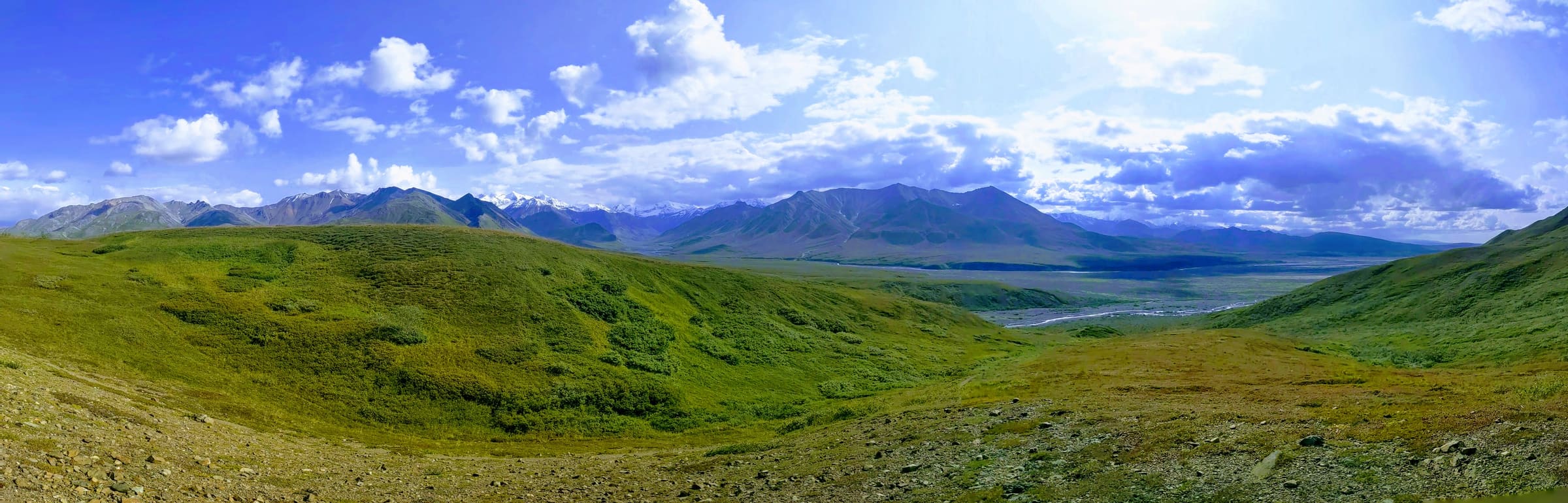
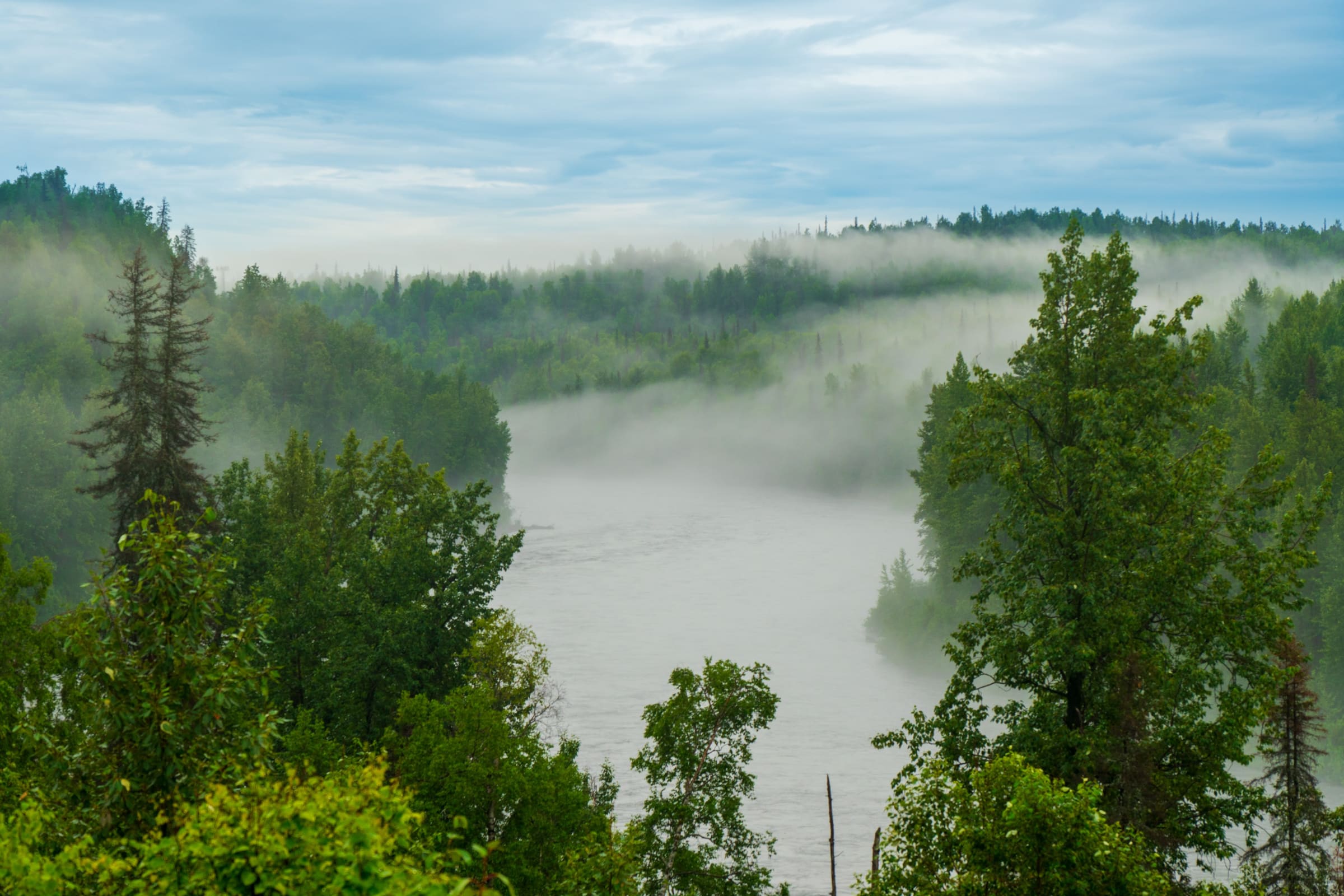
Before we explore solutions, it's vital to understand the unique hurdles of staying connected in Alaska. Unlike the Lower 48, where cell towers dot the landscape, Alaska's immense size (over twice the size of Texas) combined with its low population density means infrastructure is minimal outside major cities and towns. Mountainous terrain, dense forests, and vast stretches of uninhabited land create significant dead zones for cellular service. Even along major arteries like the Parks Highway, you'll encounter long stretches with no signal whatsoever. This isn't just an inconvenience; for remote workers, it's a critical operational risk.
Furthermore, Alaska's high latitude presents specific challenges for satellite-based internet services, which rely on a clear line of sight to orbiting satellites. Understanding these geographical and infrastructural realities is the first step in building a robust connectivity strategy for your Alaska road trip.
Satellite Internet: Starlink for the Last Frontier
For many seeking reliable alaska remote work connectivity in truly remote areas, Starlink has become a crucial solution. Operated by SpaceX, Starlink utilizes a constellation of Low Earth Orbit (LEO) satellites to provide high-speed, low-latency internet access, even in places where traditional broadband is unavailable.
How Starlink Works in Alaska
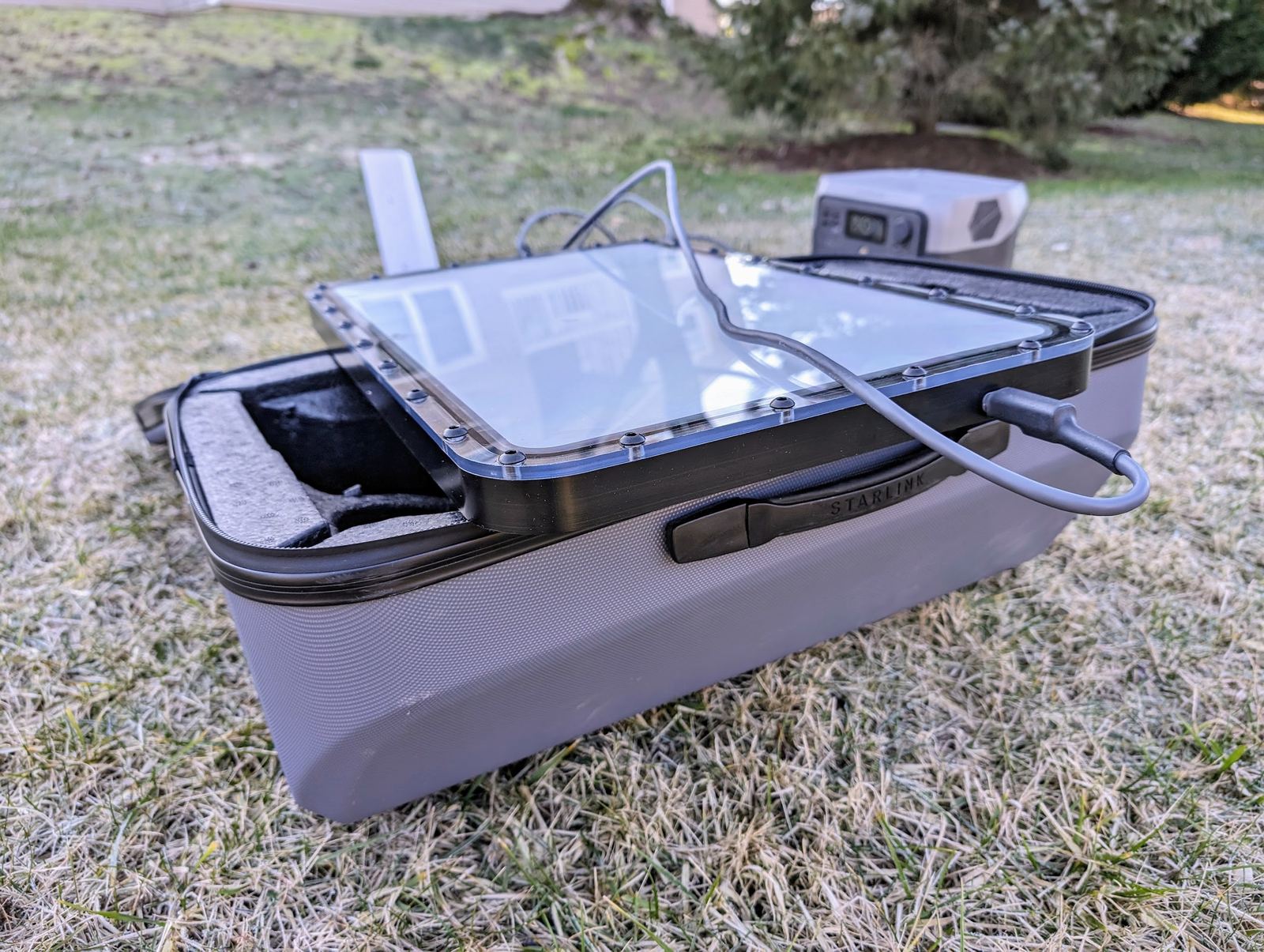
Starlink's LEO satellites orbit much closer to Earth than traditional geostationary satellites, significantly reducing latency. For remote workers, this means a more responsive internet experience, crucial for video calls, cloud-based applications, and real-time data transfers. The system requires a Starlink dish (often called 'Dishy') that automatically aligns itself to communicate with the nearest available satellites.
For road trippers, the 'Starlink Roam' (formerly 'Starlink RV') or 'Starlink Mobile' service plan is essential. This plan allows you to pause and unpause service as needed and provides portability, meaning you can use your dish at any active service location within your continent. Starlink is continuously expanding its coverage and improving its service reliability across Alaska, making it a viable option for many.
Performance and Obstruction Challenges at High Latitudes
While Starlink is powerful, its performance in Alaska comes with specific considerations:
- Orbital Paths: At higher latitudes, the satellites' orbital paths can mean that the dish needs to look further north, potentially increasing the chance of obstructions from terrain or dense tree cover. While Starlink's algorithms are designed to optimize connectivity, a clear view of the northern sky is paramount.
- Obstructions: The biggest enemy of Starlink is obstruction. Trees, mountains, cliffs, and even large buildings can block the dish's view of the satellites, leading to service interruptions. When setting up your Starlink dish, it's crucial to prioritize finding an open area with an unobstructed view, especially towards the north. This often means parking in clearings, open campgrounds, or pull-offs away from dense forests.
- Weather: Heavy rain or snow can temporarily degrade satellite signal quality, though Starlink dishes are designed to withstand harsh weather conditions and even melt snow.
Portability, Power, and Practicalities
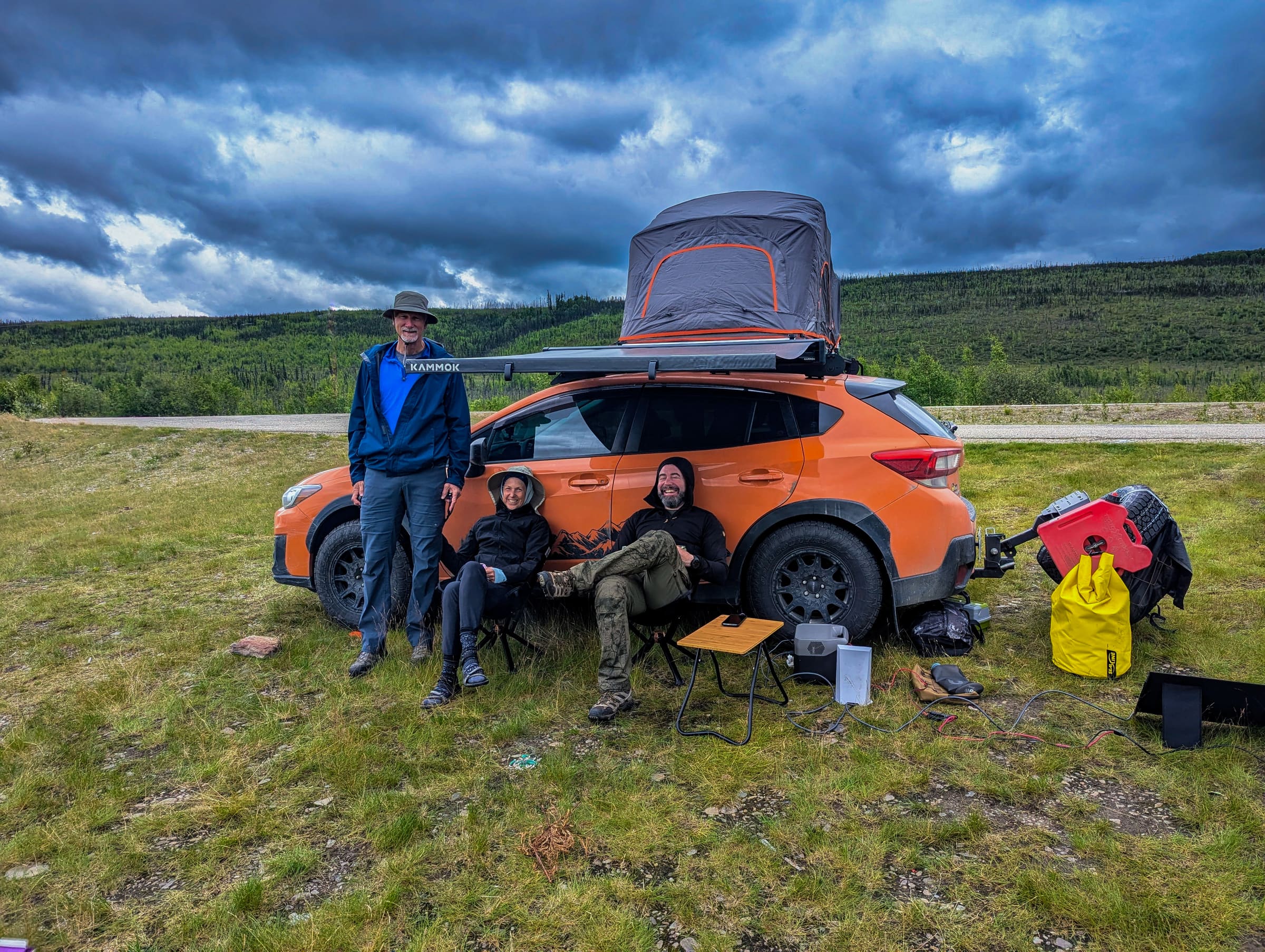
For a road trip, portability is key. The Starlink dish comes with a base, but many RVers and overland enthusiasts opt for aftermarket mounting solutions that allow for quick deployment or even permanent installation on vehicle roofs. Keep in mind that the dish requires a significant amount of power, typically between 50-75 watts during operation, with higher peaks during startup or snowmelt. This necessitates a robust power solution in your vehicle, such as a large battery bank, solar panels, or a generator. Planning your power consumption is as critical as planning your route.
The initial investment for Starlink hardware and the monthly subscription fee for the Roam/Mobile plan are significant, but for those who cannot afford to be disconnected, it's often a worthwhile expense. You can check current pricing and availability directly on the Starlink website.
Boosting Your Cell Signal: The Essential Vehicle Upgrade
While Starlink provides internet where there's no cell service, a cell signal booster can significantly improve your alaska remote work connectivity in areas with a weak, but existing, cellular signal. These devices are not magic; they cannot create a signal out of nothing, but they can amplify a faint signal, making it usable for calls, texts, and even data.
How Cell Boosters Work
A typical vehicle cell booster system consists of three main components:
- External Antenna: Mounted on the roof of your vehicle, this antenna captures the weak cellular signal from the nearest tower.
- Amplifier: Located inside the vehicle, this unit boosts the signal strength.
- Internal Antenna: Also inside the vehicle, this antenna broadcasts the amplified signal to your phone or other cellular devices.
The system works in reverse too, taking the weak signal from your phone, amplifying it, and sending it back to the cell tower via the external antenna. This two-way amplification is what makes them effective.
Types and Installation Considerations
The most popular and effective boosters for vehicles are those with an external, omnidirectional antenna designed for roof mounting. Brands like weBoost (Wilson Electronics) are well-regarded. Installation typically involves:
- External Antenna Placement: The higher and clearer the line of sight, the better. Magnetic mounts are common for temporary setups, while permanent drill-through mounts offer better security and performance.
- Cable Routing: Running the cable from the external antenna into the vehicle, usually through a door seal or a dedicated port.
- Internal Antenna Placement: This antenna needs to be placed where your devices will be used, typically on the dashboard or near the driver/passenger seat. There must be sufficient separation between the internal and external antennas to prevent oscillation (feedback).
- Power: Boosters typically plug into a 12V cigarette lighter socket.
It's crucial to ensure your booster is FCC compliant, which most reputable brands are. often follow the manufacturer's installation instructions carefully for optimal performance and to avoid interference.
Performance Expectations and Major Carriers in Alaska
A cell booster can turn 1 bar of unusable signal into 2-3 bars of usable signal, allowing for basic web browsing, email, and reliable calls. It won't give you 5G speeds in the middle of nowhere, but it can make the difference between being completely disconnected and having essential communication capabilities.
In Alaska, the primary cellular carriers are GCI, AT&T, and Verizon. GCI generally has the most extensive coverage within Alaska, especially in smaller communities, while AT&T and Verizon focus more on major population centers and main highways. Before your trip, check the coverage maps for all three carriers, as they can vary significantly. Consider purchasing a local GCI SIM card or a prepaid hotspot if your primary carrier has limited coverage in your planned travel areas.
Finding Wi-Fi Havens: Reliable Hotspots Along the Parks Highway
Even with Starlink or a cell booster, sometimes you just need a stable, high-bandwidth connection for large uploads, software updates, or extended video conferences. This is where strategic planning for Wi-Fi havens comes in. Along popular routes like the Parks Highway, certain towns and establishments offer more reliable public or guest Wi-Fi.
General Availability and Strategy
Public Wi-Fi in Alaska is often limited, sometimes slow, and frequently requires a purchase (e.g., a coffee at a cafe, a stay at a lodge). Your strategy should involve identifying potential Wi-Fi spots in advance and having backup plans.
Specific Locations Along the Parks Highway (South to North):
- Anchorage: As Alaska's largest city, Anchorage offers abundant Wi-Fi. You'll find it in hotels, cafes, libraries, and many restaurants. This is your best bet for heavy data usage before heading into more remote areas.
- Wasilla/Palmer: These Mat-Su Valley towns have good Wi-Fi availability in cafes, fast-food restaurants, and public libraries. They serve as excellent last-stop hubs before heading north.
- Talkeetna: A popular tourist town, Talkeetna has several cafes and lodges that offer Wi-Fi, often for guests or customers. It's a charming place to catch up on work while enjoying the local atmosphere. Learn more about this unique town in our guide to Exploring Hope and Talkeetna.
- Cantwell: This small community, located south of Denali National Park, has very limited options. Expect basic Wi-Fi at a few lodges or gas stations, often with a fee or for guests only. Manage your expectations here.
- Denali Park Entrance Area (Glitter Gulch): The commercial strip outside Denali National Park offers Wi-Fi at most hotels, restaurants, and gift shops. It can be congested and sometimes slow due to high user density. The National Park Service Visitor Centers also often provide limited free Wi-Fi. For detailed planning around the park, check our guide on Denali Park Road in 2026-2027.
- Healy: Just north of the Denali entrance, Healy has a few lodges and restaurants that provide Wi-Fi, often more reliable than the crowded Glitter Gulch area.
- Fairbanks: Alaska's second-largest city, Fairbanks, offers extensive Wi-Fi options similar to Anchorage. Libraries, cafes, hotels, and universities are good places to find a connection.
Tips for Wi-Fi Hunting and Security
- Ask Locals: Don't be afraid to ask gas station attendants, hotel staff, or locals where they find the best Wi-Fi.
- Check Reviews: Online reviews for cafes and lodges often mention Wi-Fi quality.
- Carry Cash: Some smaller establishments might charge a small fee for Wi-Fi access.
- Security: Public Wi-Fi networks are inherently less secure. It is highly recommended to use a Virtual Private Network (VPN) to encrypt your internet traffic when connected to public hotspots, especially when handling sensitive work data. For more information on VPNs and online security, consult resources like the Electronic Frontier Foundation.
Beyond the Big Three: Other Connectivity Strategies
A multi-pronged approach is often best for robust alaska remote work connectivity. Don't put all your eggs in one basket.
Local SIM Cards and Hotspots
As mentioned, GCI offers the most comprehensive local coverage in Alaska. Purchasing a prepaid GCI SIM card for an unlocked phone or a dedicated GCI mobile hotspot can provide a valuable layer of connectivity, especially in smaller towns where other carriers might struggle. This can be a more cost-effective solution for data than relying solely on your primary carrier's roaming charges.
Pre-downloading and Offline Workflows
This is perhaps the most overlooked, yet most effective, strategy. Before you leave a connected area:
- Download Maps: Use offline maps (Google Maps, Gaia GPS) for navigation.
- Sync Cloud Files: Ensure all necessary work documents, presentations, and project files are synced for offline access.
- Entertainment: Download movies, podcasts, and audiobooks for downtime.
- Email: Download all recent emails so you can draft responses offline.
Plan your work tasks to maximize offline productivity. Identify tasks that require constant internet (e.g., video calls, large uploads) and schedule them for when you know you'll have reliable Wi-Fi or Starlink. Use your time in dead zones for writing, editing, planning, or other tasks that don't require an active connection.
Emergency Communication: Satellite Messengers
For true off-grid safety and emergency communication, a satellite messenger device like a Garmin inReach or Spot device is indispensable. These devices use satellite networks (different from Starlink) to send and receive text messages and, crucially, to trigger an SOS signal to emergency services. While not suitable for remote work internet, they provide peace of mind and a vital lifeline when all other forms of communication fail. Consider this a mandatory safety item for any extensive Alaska road trip, especially if you venture onto less-traveled routes like the Dalton Highway or Top of the World Highway.
Planning Your Connected Alaska Road Trip
Integrating connectivity planning into your overall itinerary is crucial. Don't leave it to chance. When you plan your trip, consider:
- Connectivity Zones: Map out where you expect to have good cell service, Starlink setup opportunities, and Wi-Fi havens.
- Buffer Days: Build in extra time in towns with reliable Wi-Fi for intensive work sessions or unexpected connectivity issues.
- Communication Plan: Inform clients and colleagues about your travel plans and potential response delays. Set clear expectations.
- Equipment Checks: Test all your connectivity gear (Starlink, booster, local SIM) before you leave home.
While the allure of a complete digital detox is strong, for many remote workers, it's simply not an option. By proactively addressing alaska remote work connectivity, you can enjoy the unparalleled beauty of Alaska without sacrificing your professional responsibilities. Our team at Alaska Road Trip specializes in crafting personalized itineraries that consider all aspects of your journey, including your unique connectivity needs. We understand the nuances of travel in the Last Frontier and can help you build a trip that balances adventure with productivity.
Frequently Asked Questions
Is Starlink reliable for remote work in Alaska?
Yes, Starlink can be very reliable for remote work in Alaska, offering high-speed, low-latency internet in many areas where traditional cellular or Wi-Fi is unavailable. However, it requires a clear, unobstructed view of the northern sky, which can be challenging in dense forests or mountainous terrain. Power consumption and the need for a portable setup are also key considerations.
Do cell boosters really work in remote Alaska?
Cell boosters can significantly improve your cellular signal in remote Alaska, but they are not a miracle solution. They work by amplifying an existing weak signal, turning 1-2 bars into 2-3 usable bars. They cannot create a signal where none exists. They are most effective in fringe areas where a faint signal is present but too weak for reliable use.
What's the best cell carrier for Alaska?
GCI generally offers the most extensive cellular coverage within Alaska, particularly in smaller communities and along major highways. AT&T and Verizon also have coverage, primarily in major cities and more populated corridors. It's advisable to check coverage maps for all three carriers for your specific route and consider a local GCI SIM card or hotspot as a backup.
Can I rely on public Wi-Fi for my entire Alaska road trip?
No, relying solely on public Wi-Fi for your entire Alaska road trip is not recommended for remote work. While major towns like Anchorage and Fairbanks offer good Wi-Fi, options become sparse, slow, or non-existent in smaller communities and along vast stretches of highway. Public Wi-Fi should be considered a supplementary option, not your primary source of connectivity.
What if I absolutely need to be connected for an emergency?
For absolute emergency communication in areas without any cellular or Wi-Fi service, a satellite messenger device (e.g., Garmin inReach, Spot) is essential. These devices use dedicated satellite networks to send and receive text messages and, critically, to trigger an SOS signal to emergency services, providing a vital lifeline when all other options fail.
Navigating Alaska's vast landscapes while maintaining professional commitments requires foresight and the right tools. By understanding the unique challenges and implementing a multi-faceted connectivity strategy—leveraging Starlink, cell boosters, and planned Wi-Fi stops—you can ensure your alaska remote work connectivity remains robust throughout your journey. Don't let the fear of disconnection hold you back from experiencing the adventure of a lifetime. Let Alaska Road Trip help you craft the perfect itinerary, ensuring you're prepared for both work and play. Explore Alaska Road Trip's itinerary planning services today and embark on a seamlessly connected Alaskan adventure!
See a real Alaska itinerary before you spend a dollar
A real 3-day plan with driving times, lodging picks, and a daylight chart — free, in your inbox.
One email. No spam. Unsubscribe anytime. Or view it right now — no email needed ↗
Ready for the full plan? Get your custom itinerary — from $197 · 5-day delivery →