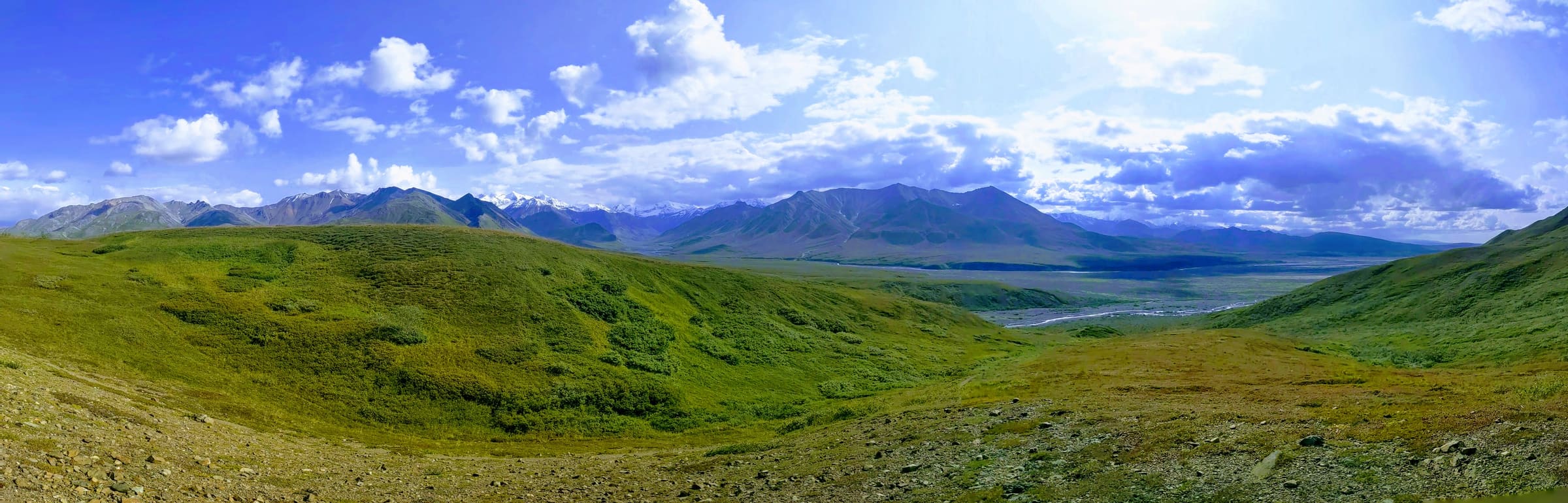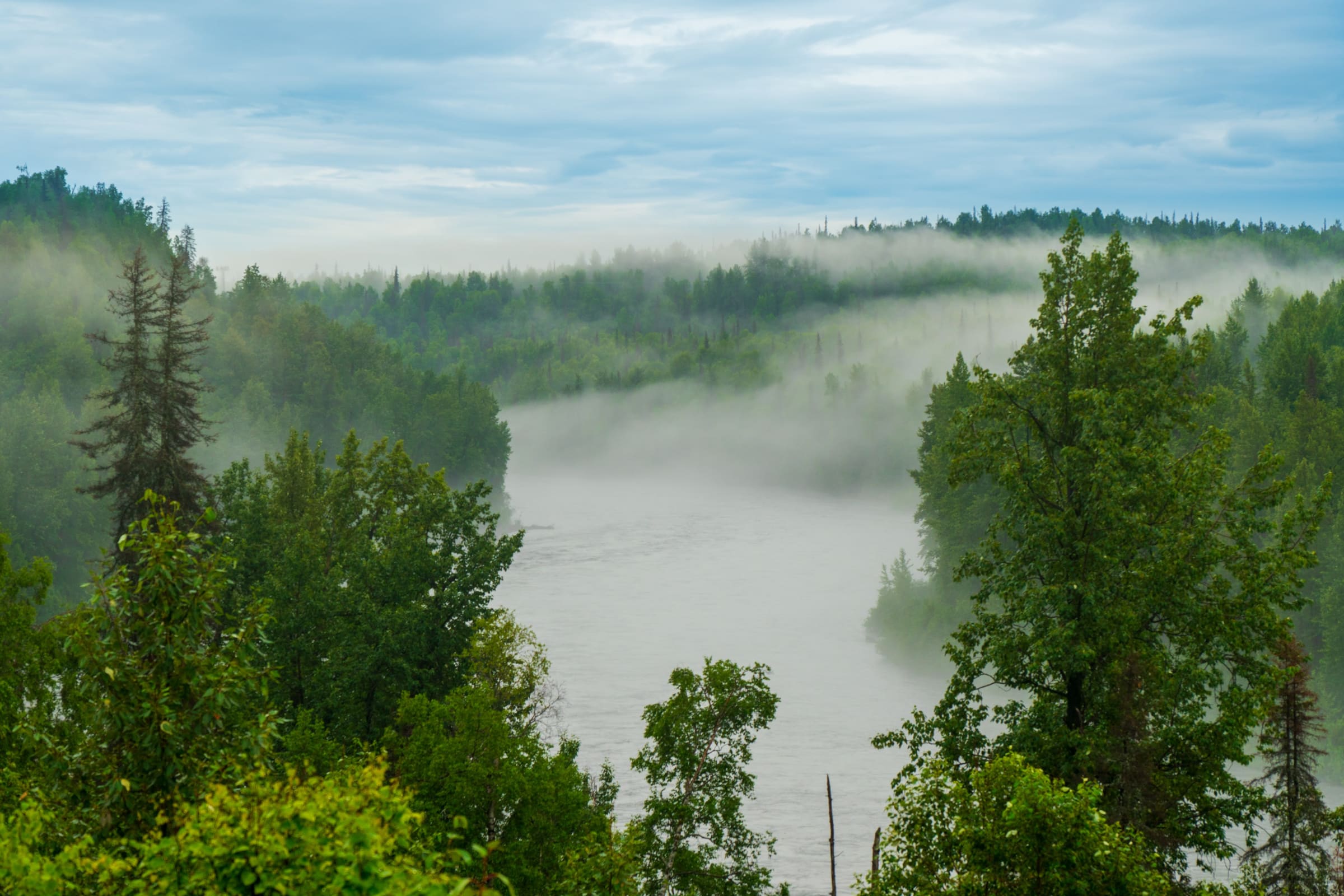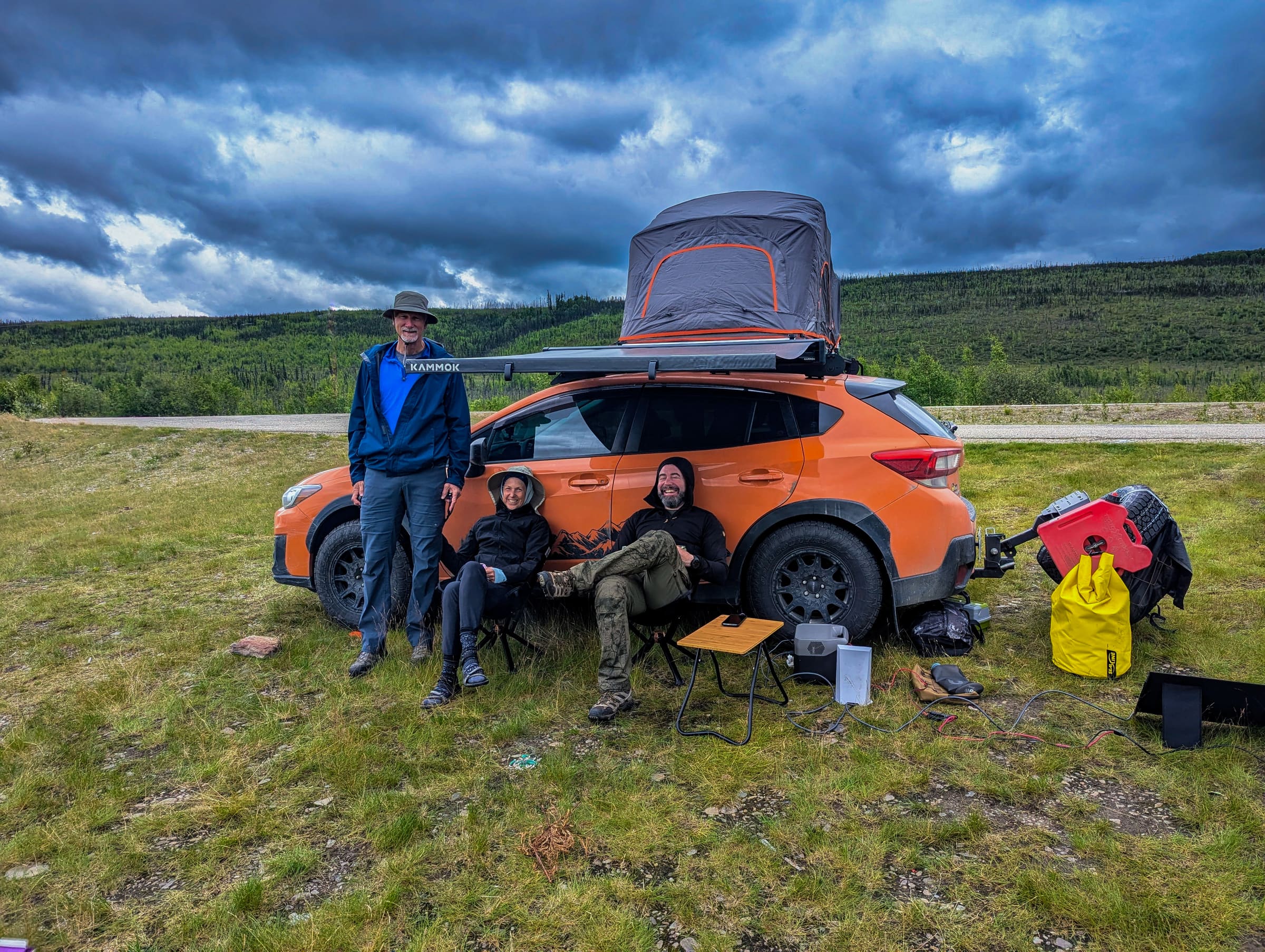
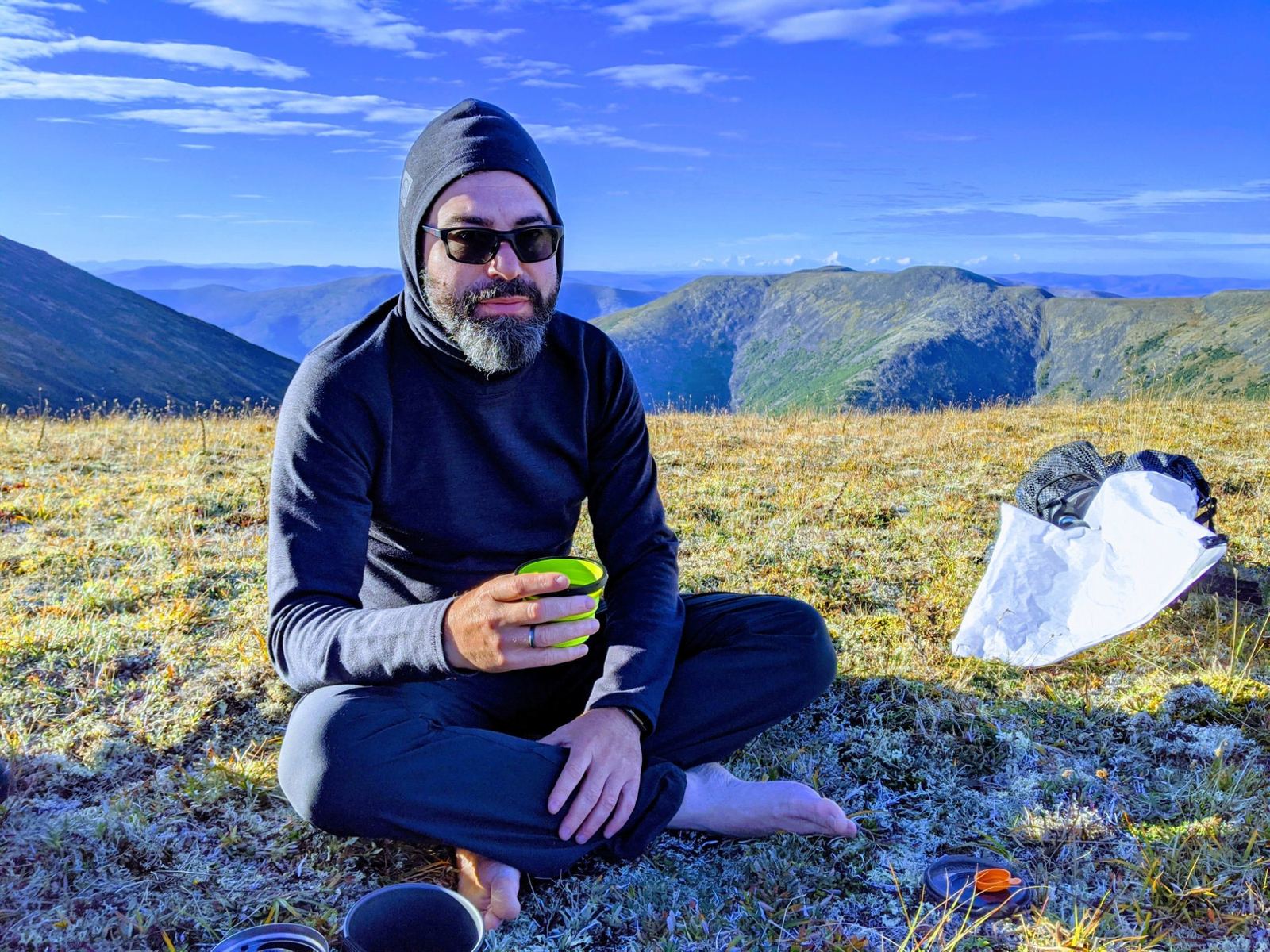
Imagine this: It's 2:00 PM, your critical video meeting is about to start, and the nearest reliable high-speed cell signal is 40 miles away, down a winding gravel road. For the modern digital nomad ping-ponging managing work and wanderlust, this isn't a hypothetical scenario; it's a Tuesday in Alaska. The Last Frontier offers unparalleled beauty and adventure, but its vast, untamed landscapes often come with a trade-off: patchy, unpredictable internet access. This guide is your comprehensive playbook for mastering video calls and maintaining a professional presence, even when your office is a remote trailhead or a scenic overlook.
Many dream of combining their professional lives with the freedom of the open road, especially in a place as majestic as Alaska. However, the reality of managing a professional life while chasing bars of service requires more than just a basic hotspot. It demands strategic planning, the right gear, and a deep understanding of how to optimize your connectivity in low-bandwidth zones. In 2026, remote work is more common than ever, making these skills essential for anyone looking to experience Alaska without disconnecting from their career.
Understanding Alaska's Unique Connectivity Landscape
Alaska's cellular infrastructure is unlike that of the Lower 48. While major cities like Anchorage, Fairbanks, and Juneau offer decent 4G LTE and increasingly 5G coverage, venturing just a short distance outside these hubs can quickly lead to dead zones. The sheer size of the state, combined with its rugged topography and sparse population, makes comprehensive cell tower coverage economically unfeasible in many areas. This means that for much of your Alaska road trip, you'll be relying on a patchwork of signals, often weak and inconsistent.
Satellite internet, particularly services like Starlink Roam/Mobile, has emerged as a transformative solution for truly remote areas. However, even satellite solutions have their caveats, including power consumption, line-of-sight requirements, and higher costs. Understanding these limitations is the first step in effectively managing your connectivity expectations and planning your work schedule around available resources.
Essential Gear for the Connected Digital Nomad
To successfully navigate video calls in Alaska's low-bandwidth environment, you'll need more than just your laptop and phone. Investing in the right equipment is crucial for the digital nomad ping-ponging managing their professional commitments.
1. High-Quality Cellular Signal Booster
This is arguably the most critical piece of equipment. A cellular signal booster works by taking a weak existing signal, amplifying it, and rebroadcasting it inside your vehicle or RV. It consists of three main components:
- External Antenna: Mounted on the roof of your vehicle, this antenna captures the weakest available signal. Directional antennas (like a Yagi) are best for stationary use when you know the tower's location, while omni-directional antennas are better for mobile use.
- Amplifier: This unit boosts the signal strength. Look for models with high gain (measured in dB) for maximum effectiveness. A good booster can add 20-50 dB of gain.
- Internal Antenna: This broadcasts the amplified signal inside your vehicle, creating a small personal cell zone.
Popular brands like weBoost (e.g., Drive Reach) are highly recommended for their performance and reliability. Remember, a booster can only amplify an *existing* signal; it cannot create one out of nothing. If there's absolutely no signal, a booster won't help.
2. Dedicated Mobile Hotspot Device
While your phone can act as a hotspot, a dedicated device often offers better performance, battery life, and the ability to connect multiple devices without draining your primary phone. Pair this with a data plan from a carrier known for better Alaska coverage (often AT&T or Verizon, though coverage varies wildly by specific location). Ensure your hotspot is compatible with your signal booster.
3. Satellite Internet (Starlink Roam/Mobile)
For truly off-grid work, Starlink can be a transformative connectivity solution. It provides high-speed, low-latency internet via satellite. The Roam/Mobile plan allows you to use your dish anywhere within your continent. However, be aware of:
- Power Consumption: Starlink dishes consume significant power, requiring a robust power solution (solar, large battery bank, generator).
- Line of Sight: You need a clear view of the sky, free from trees or mountains, which can be challenging in forested areas or deep valleys.
- Cost: Both the initial hardware cost and monthly subscription are substantial.
For a detailed comparison of connectivity options, you might find our guide on staying connected for remote work in Alaska particularly useful.
4. Robust Power Solutions
All this gear requires power. Invest in:
- Solar Panels: Essential for off-grid charging, especially with Alaska's long summer daylight hours.
- Large Capacity Power Bank: For charging laptops, phones, and smaller devices.
- Vehicle Inverter: To power AC devices from your vehicle's 12V system.
- Backup Batteries: For your hotspot and other critical devices.
5. Quality Peripherals
- External Webcam & Microphone: Often superior to built-in options, providing clearer audio and video.
- Noise-Canceling Headphones: Crucial for blocking out ambient noise from wind, traffic, or nature.
Mastering Signal Boosters: More Than Just a Hotspot
Simply owning a signal booster isn't enough; you need to know how to use it effectively. This is where the real skill of a digital nomad ping-ponging managing their connectivity comes into play.
Optimal Placement and Positioning
- External Antenna: Mount it as high as possible on your vehicle (e.g., on a ladder, roof rack, or a telescoping pole). The higher the antenna, the better its line of sight to distant cell towers. For stationary use, orient a directional antenna towards the nearest known cell tower. Apps like OpenSignal or CellMapper can help identify tower locations.
- Internal Antenna: Place it where your devices will be used most, typically near your workspace. Ensure there's adequate separation (usually 5-8 feet) between the internal and external antennas to prevent oscillation (feedback).
Understanding dB Gain and Signal Strength
Signal strength is measured in dBm (decibel-milliwatts), where a number closer to zero (e.g., -70 dBm) indicates a stronger signal than a number further from zero (e.g., -110 dBm). Use your phone's field test mode (dial *3001#12345#* on iPhone, or check network settings on Android) to see real-time signal strength before and after activating your booster. Aim for -90 dBm or better for reliable video calls, as recommended by signal experts like Waveform.
Testing and Optimization
Always test your setup. Before a critical call, drive or walk around your chosen location to find the absolute best spot for your external antenna. Even a few feet can make a significant difference. Monitor your signal strength and run a speed test (e.g., Speedtest.net) to confirm you have sufficient upload and download speeds for video conferencing (typically 1.5-2 Mbps upload/download minimum for standard definition, more for HD, as recommended by leading video conferencing platforms).
For more technical details on cellular signal optimization, resources like weBoost's official guides offer excellent insights into the technology and best practices.
The Art of "Golden Hour" Connectivity
Just like photographers chase the golden hour for perfect light, digital nomads learn to identify "golden hour" connectivity windows.
Time of Day Matters
Cellular networks, even in remote areas, experience congestion. Early mornings (before 8 AM) and late evenings (after 9 PM) often see less network traffic, leading to faster and more stable connections. If your work allows, schedule critical video calls during these times.
Location Scouting and Campground Strategies
Not all campgrounds are created equal when it comes to connectivity. Before booking, do your research:
- Online Reviews: Check recent reviews on sites like Campendium or iOverlander for mentions of cell service.
- Coverage Maps: Use carrier-specific coverage maps (e.g., AT&T, Verizon, T-Mobile) and crowd-sourced apps like OpenSignal or CoverageMap to identify areas with reported service.
- Ask Locals/Fellow Travelers: Campground hosts or other RVers are invaluable sources of real-time information.
- Elevation and Line of Sight: Higher ground generally offers better signal. Look for spots with an unobstructed view towards potential cell towers. Avoid deep valleys or dense forests if possible.
Some campgrounds, especially those closer to towns or major highways, might have specific loops or areas known for better service. For example, certain sections of Denali National Park's campgrounds might offer a sliver of connectivity, while others are completely dark. often have a backup plan.
For those planning extensive trips, our Alaska road trip itineraries can help you identify potential connectivity hubs along your route.
Professional Etiquette for Remote Trailheads
Maintaining a professional appearance and conduct during video calls, even from the wilderness, is crucial for the digital nomad ping-ponging managing their image.
1. Background and Lighting
- Clean and Tidy: Ensure your background is uncluttered. If working from your vehicle, quickly tidy up any visible areas.
- Virtual Backgrounds: Use them sparingly and ensure your system can handle the processing without lagging your video. A simple, professional virtual background is better than a distracting real one.
- Natural Light: Position yourself facing a window or open door for soft, even lighting. Avoid backlighting, which will make you appear as a silhouette.
2. Audio Quality is Paramount
Poor audio is more disruptive than poor video.
- Use Headphones with a Microphone: This minimizes echo and background noise. Noise-canceling headphones are ideal.
- Mute When Not Speaking: This is basic video call etiquette but even more critical in a potentially noisy outdoor environment.
- Find a Quiet Spot: If possible, choose a location away from generators, busy roads, or strong winds.
3. Appearance and Communication
- Dress Professionally: Even if it's just from the waist up! A collared shirt or professional top goes a long way.
- Proactive Communication: Inform colleagues or clients in advance if you anticipate potential connectivity issues. A simple, "I'm traveling in a remote area, so please bear with me if my connection is intermittent" sets appropriate expectations.
- Backup Plan: Have a plan for when the connection inevitably drops. Can you switch to an audio-only call? Can you quickly send an email explaining the situation?
For more general advice on remote work etiquette, sources like Harvard Business Review's guide to remote work etiquette offer valuable insights that apply even in the wilderness.
Strategic Planning for Digital Nomads in Alaska
The key to success for the digital nomad ping-ponging managing their work and travel in Alaska lies in meticulous planning.
Design Your Itinerary with Connectivity in Mind
Don't just plan for scenic drives and hikes; plan for work. Build in "work days" or "connectivity windows" near towns, visitor centers (which sometimes offer Wi-Fi), or known signal hotspots. For example, if you have a critical project deadline, schedule a few days in Seward or Homer, where you're more likely to find reliable internet, before heading into more remote areas like the Kenai Fjords National Park backcountry.
Pre-Download Everything
Before you leave a strong Wi-Fi zone, download:
- Offline Maps: Google Maps, Gaia GPS, or other navigation apps.
- Documents: All necessary work files, presentations, and reports.
- Entertainment: Movies, music, podcasts for downtime.
- Emergency Information: Local contacts, road conditions, wildlife safety guides.
Set Clear Communication Protocols
Establish with your team or clients how you'll communicate when connectivity is limited. Can you rely on email for non-urgent matters? Are there specific times you'll be available for calls? Over-communicate your availability and potential limitations.
Time Zone Management
Alaska operates on Alaska Standard Time (AKST), which is one hour behind Pacific Time and four hours behind Eastern Time. Factor this into your meeting schedules, especially if your team is in the Lower 48. A 9 AM EST meeting is 5 AM AKST – not ideal from a remote campsite!
Emergency Preparedness
often have a plan for true emergencies. Satellite messengers (like Garmin inReach or Zoleo) are essential for two-way communication and SOS capabilities when cell service is nonexistent. This is separate from internet connectivity but vital for safety.
For comprehensive planning resources, consider exploring our Alaska trip cost methodology to budget for connectivity solutions, or our general Alaska road trip packing list which includes communication essentials.
Beyond the Tech: Mindset and Communication
While gear and planning are critical, the right mindset is equally important for the digital nomad ping-ponging managing their Alaska adventure.
Embrace Flexibility and Patience
Things will go wrong. Your signal will drop. Your battery will die. Embrace the unpredictable nature of remote work in a wild place. Have backup plans for your backup plans, and don't let connectivity frustrations overshadow the incredible experience of being in Alaska.
Prioritize Tasks
Identify which tasks absolutely require high bandwidth (video calls, large file uploads) and which can be done offline (writing, editing, planning). Schedule your high-bandwidth tasks for when you have the best connection.
Leverage Asynchronous Communication
When real-time video calls are challenging, lean on asynchronous tools. Use email, project management platforms, and recorded video messages to keep communication flowing without requiring everyone to be online simultaneously.
The Joy of Disconnecting
Paradoxically, one of the greatest benefits of working remotely in Alaska is the opportunity to truly disconnect. When you're not on a call, put the devices away. Immerse yourself in the stunning scenery, the wildlife, and the unique culture. The balance between work and adventure is what makes the digital nomad lifestyle so rewarding, especially in a place like Alaska.
Alaska Road Trip: Your Connectivity Partner
Navigating the complexities of remote work while exploring Alaska's vast wilderness can be daunting. At Alaska Road Trip, we understand the unique challenges faced by digital nomad ping-ponging managing their professional lives and their desire for adventure. We specialize in crafting personalized Alaska travel itineraries that not only highlight the best of the Last Frontier but also factor in your specific connectivity needs. We can help you identify routes with better service, suggest optimal camping locations, and provide insights into integrating your work schedule seamlessly with your travel plans.
Ready to plan your ultimate Alaska adventure without sacrificing your professional commitments? Let us help you design a trip where you can truly master video calls in low-bandwidth zones and experience the freedom of the Alaskan road. Contact us today to start planning your unforgettable journey.
Frequently Asked Questions
Is Starlink worth it for an Alaska road trip in 2026?
For truly remote areas where cellular service is non-existent, Starlink Roam/Mobile is an excellent option for high-speed internet. However, its value depends on your budget, power setup, and how frequently you'll be in areas without cell service. It requires a clear view of the sky and significant power, so it's best for those with robust RV solar setups or who plan to spend extended periods off-grid. For occasional remote work, a high-quality cellular booster might suffice.
How much data do video calls typically use?
The data usage for video calls varies significantly by platform and video quality. A standard-definition video call (e.g., Zoom, Google Meet) typically uses between 0.8 GB and 1.5 GB per hour. High-definition calls can consume 2 GB to 3 GB per hour or more. For detailed data consumption estimates across various platforms, resources like Tom's Guide provide valuable insights. Audio-only calls use much less, around 30-50 MB per hour. It's crucial to monitor your data usage, especially on limited plans, and consider turning off video when not actively speaking to conserve bandwidth.
What's the best cell carrier for Alaska in 2026?
Coverage in Alaska is highly localized and can change. Generally, AT&T and Verizon tend to have the most extensive coverage, particularly along major highways and in larger towns. T-Mobile's coverage is improving but still lags in many remote areas. It's often best to check current coverage maps for the specific regions you plan to visit and consider having a backup plan or a SIM card from a different carrier if critical connectivity is needed.
Can I rely on campground Wi-Fi for video calls in Alaska?
Generally, no. While many campgrounds offer Wi-Fi, it's often slow, unreliable, and highly congested, especially during peak hours. It's usually sufficient for basic browsing or checking emails but rarely robust enough for stable video calls. For professional work, it's advisable to have your own cellular booster or satellite internet as a primary backup.
How do I find cell towers in remote areas of Alaska?
Several apps can help you locate cell towers and visualize coverage. OpenSignal, CellMapper, and CoverageMap are popular choices that use crowd-sourced data to show signal strength and tower locations. These apps can be invaluable for positioning your external antenna effectively. Additionally, simply looking for tall structures or asking locals can sometimes point you in the right direction. Remember, even with these tools, Alaska's terrain can create unexpected dead zones.
See a real Alaska itinerary before you spend a dollar
A real 3-day plan with driving times, lodging picks, and a daylight chart — free, in your inbox.
One email. No spam. Unsubscribe anytime. Or view it right now — no email needed ↗
Ready for the full plan? Get your custom itinerary — from $197 · 5-day delivery →